
Hello, I'm James,
a UI/UX Front-End Developer
About Me
I am a UI/UX Front-End Developer based in Southern California. Designing has always been a passion of mine and I love being a part of this creative world! I first fell in love with designing websites and prototyping while getting a certificate in web design last year. I enjoyed it so much that I enrolled in the
Graphic Information Technology program at Arizona State University, and I will be graduating this spring. Thanks to this program, along with my Computer Science degree from UC Irvine, I am skilled in Figma, Balsamiq, HTML5, CSS, JavaScript, Git, C++/C,
Adobe Creative Cloud, Python, wireframing, and prototyping. I am also experienced in creating user journey maps, personas, and tests, as well as facilitating usability tests.
If you would like to learn more about my professional and academic experience, please view my frontend resume here and my UI/UX resume here.
Projects
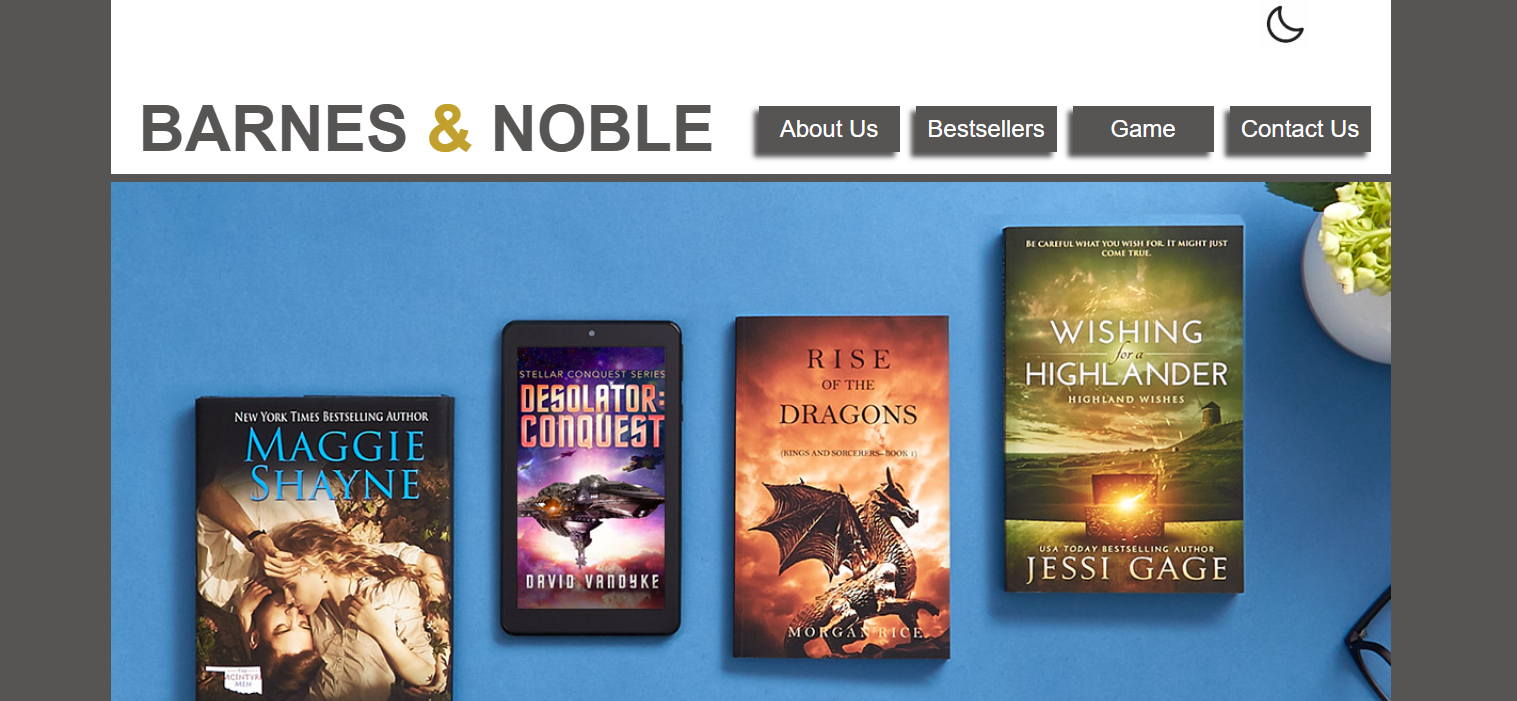
Barnes and Noble Mockup Website
● Built a fully responsive multi-page website using semantic HTML5 and modular CSS, improving usability across desktop and mobile breakpoints
● Implemented JavaScript-driven interactivity (navigation, UI feedback) to enhance user engagement and task flow
● Translated wireframes from Figma into production-ready UI components, reducing design-to-development gaps
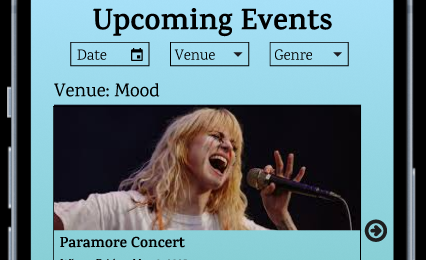
Mood Venue Interactive Prototype
● Created wireframes in Figma and translated designs into a functional website using HTML5, CSS, and JavaScript
● Applied user research insights and usability principles to guide layout, navigation, and interaction decisions
● Leveraged advanced Figma features to streamline feedback from stakeholders
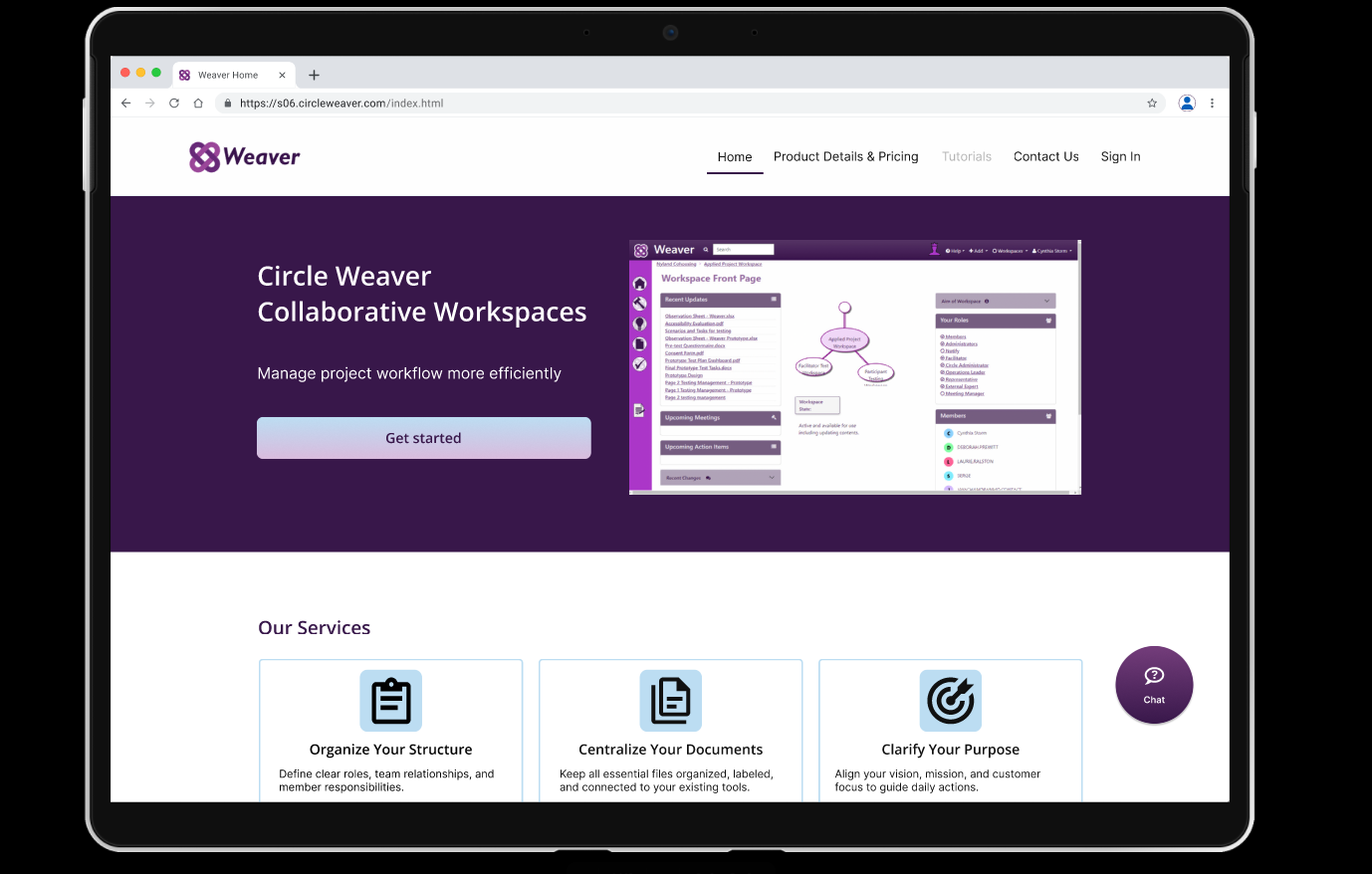
Circle Weaver Prototype
● Collaborated with a team to create an interactive, high-fidelity prototype in Figma to improve Circle Weaver's usability and accessibility scores
● Conducted heuristic evaluations, accessibility audits, user research, and usability tests to discover and solve problems with the current site
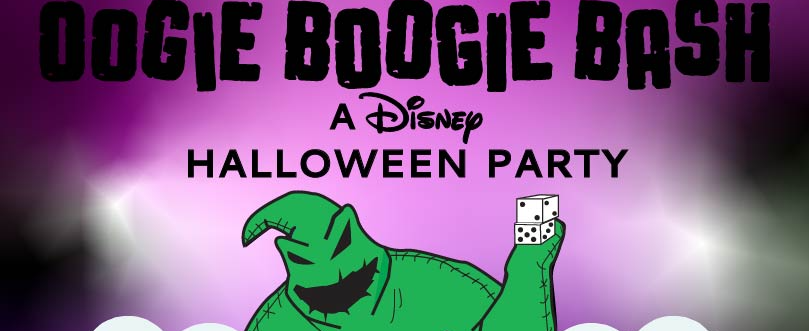
Oogie Boogie Bash Poster
● Created a visually structured promotional layout emphasizing hierarchy, spacing, and readability
● Applied typography and branding principles relevant to UI consistency and frontend styling
● Demonstrated attention to visual detail transferable to CSS layout and UI polish

Malcom X Typography Portrait
● Employed the Pen Tool, the Type Tool, tonal zones, and a grayscale gradient in Adobe Illustrator to create a typographic portrait of Malcolm X
● Utilized a reference image and the Pen Tool to construct an outline of Malcolm X’s primary facial features.
● Divided the composition into tonal zones and employed the Type Tool to fill in each zone with words from “The Ballot or the Bullet”
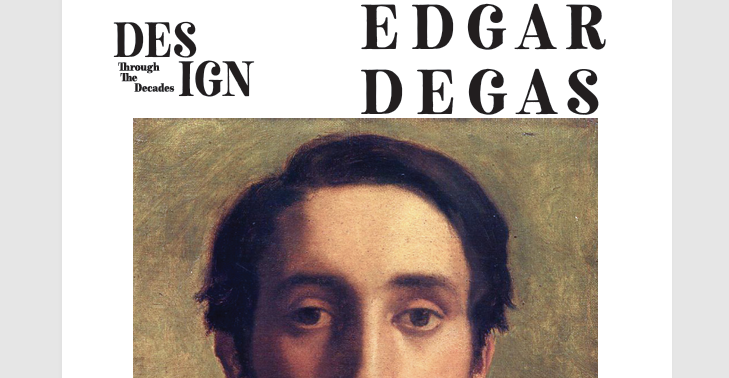
Edgar Degas Magazine
● Worked with spreads, grids, images, and my personal academic article in Adobe InDesign to create a magazine revolving around Edgar Degas
● Used Adobe Illustrator to develop a logo and multiple ballerinas that adhere to the magazine and Degas’ aesthetics